

An Android IPTV setup that buffers every evening is rarely a hardware problem. More often, a capable player sits on top of the wrong subscription term, too few simultaneous connections, or a configuration nobody tested during peak hours. That single mismatch explains why the same app feels effortless in one home and frustrating in the next, even on identical hardware.
Android has the audience to justify getting the pairing right. StatCounter's mobile operating system data for Canada put Android at 35.26% of mobile OS usage in October 2026, meaning more than one in three mobile devices in Canada ran Android. Rather than ranking players by feature lists, this guide matches Watching IPTV Canada's five subscription plans and its 24-hour free trial to three real situations: trial users, sports households, and homes running several screens at once. Pick the plan by use case, and you can find your ideal streaming service without paying for connections you will never use.
Table of Contents
- 1. 1 Month Premium IPTV
- 2. 3 Months Premium IPTV
- 3. 6 Months Premium IPTV
- 4. 12 Months Premium IPTV
- 5. 2 Devices – 6 Months Premium IPTV
- Watching IPTV Canada Plans at a Glance
- Get Streaming on Your Android Device Today
1. 1 Month Premium IPTV
Start here if you're testing, not committing. One month gives you enough evenings, weekends, and live games to learn whether your Android IPTV player handles your actual device, network, and viewing habits. A single good afternoon proves almost nothing.
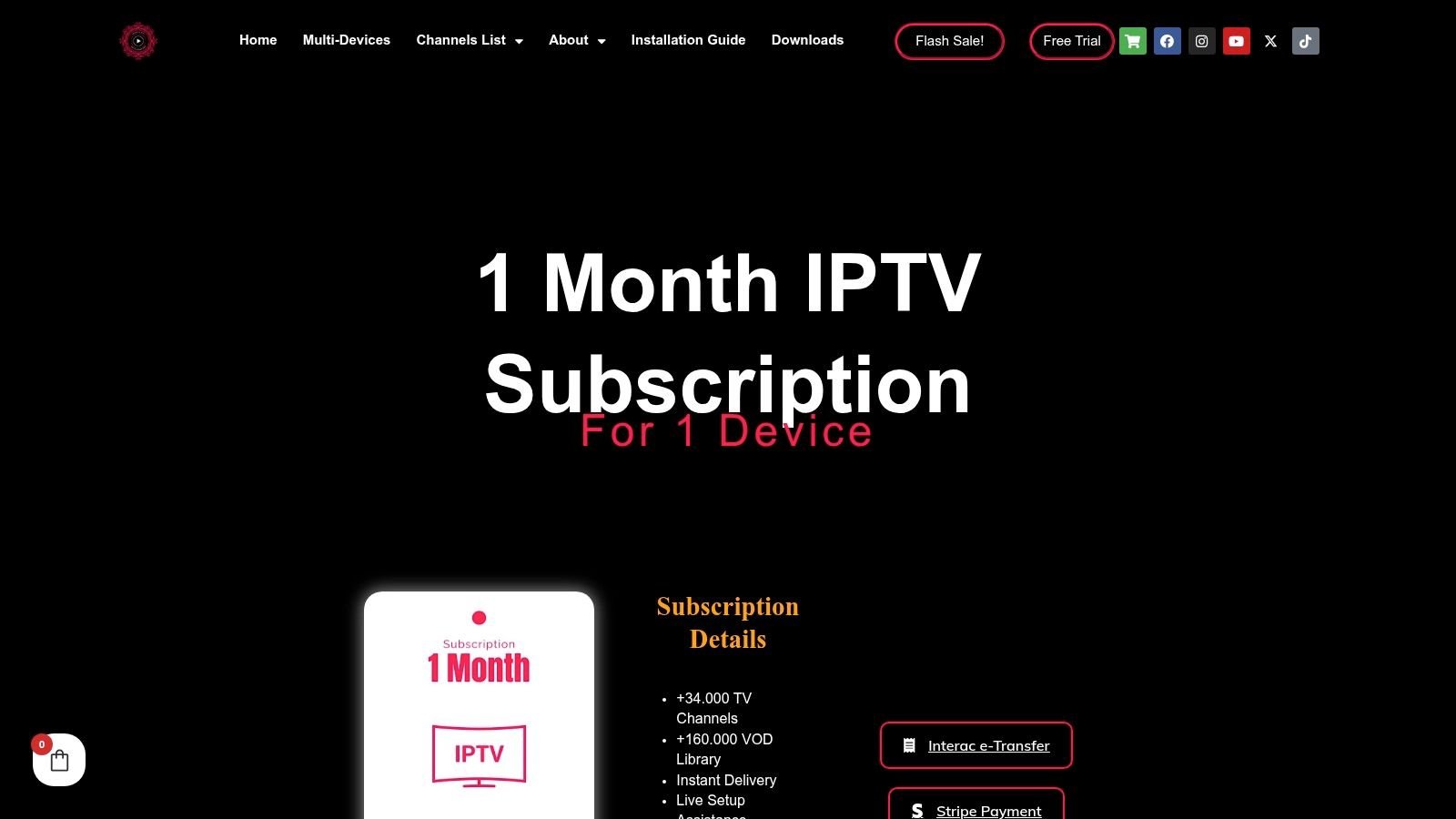
The 1 Month Premium IPTV plan works best as a paid extension of the 24-hour free trial. Use the trial to confirm your login works, then use the month to test peak hours, EPG accuracy, subtitle behaviour, and whether 4K streams stay stable or keep dropping to HD. If a player such as TiviMate, XCIPTV, or IPTV Smarters Pro feels clumsy on your remote, you'll know quickly.
Test the Version You Actually Own
Android fragmentation matters more than most setup guides admit. StatCounter's Canadian Android version data for September 2026 showed Android 16 at 55.24% of Android usage, followed by Android 17 at 12.04% and Android 13 at 9.39%. A player that runs cleanly on a new phone can still stutter on an older box with different codecs, less memory, or weaker hardware decoding.
Run this sequence during the month:
- Test wired first: Plug the TV box into Ethernet if you can. If playback stabilizes, your Wi-Fi is the bottleneck, not the app.
- Compare peak and off-peak: Watch the same live channel in the evening and again the next morning. Evening-only failures point to congestion.
- Check the EPG daily: Look for missing listings, wrong times, and categories you'll use. A guide you can't trust gets old fast.
- Try phone and tablet too: The setup notes for IPTV on Android phones and tablets help you confirm touch navigation feels different from remote navigation, because it should.
Don't judge any Android IPTV player on a quiet weekday morning. Judge it during the game you actually care about.
I recommend this term for first-time buyers, people switching players, and anyone with older hardware. The trade-off is obvious. You'll renew sooner, and you won't get the calm of a long term. That's a fair price for evidence before you commit real money.
2. 3 Months Premium IPTV
Three months is the season plan. It covers a hockey stretch, a football season, or a summer of viewing without asking you to predict where your household will be next year.
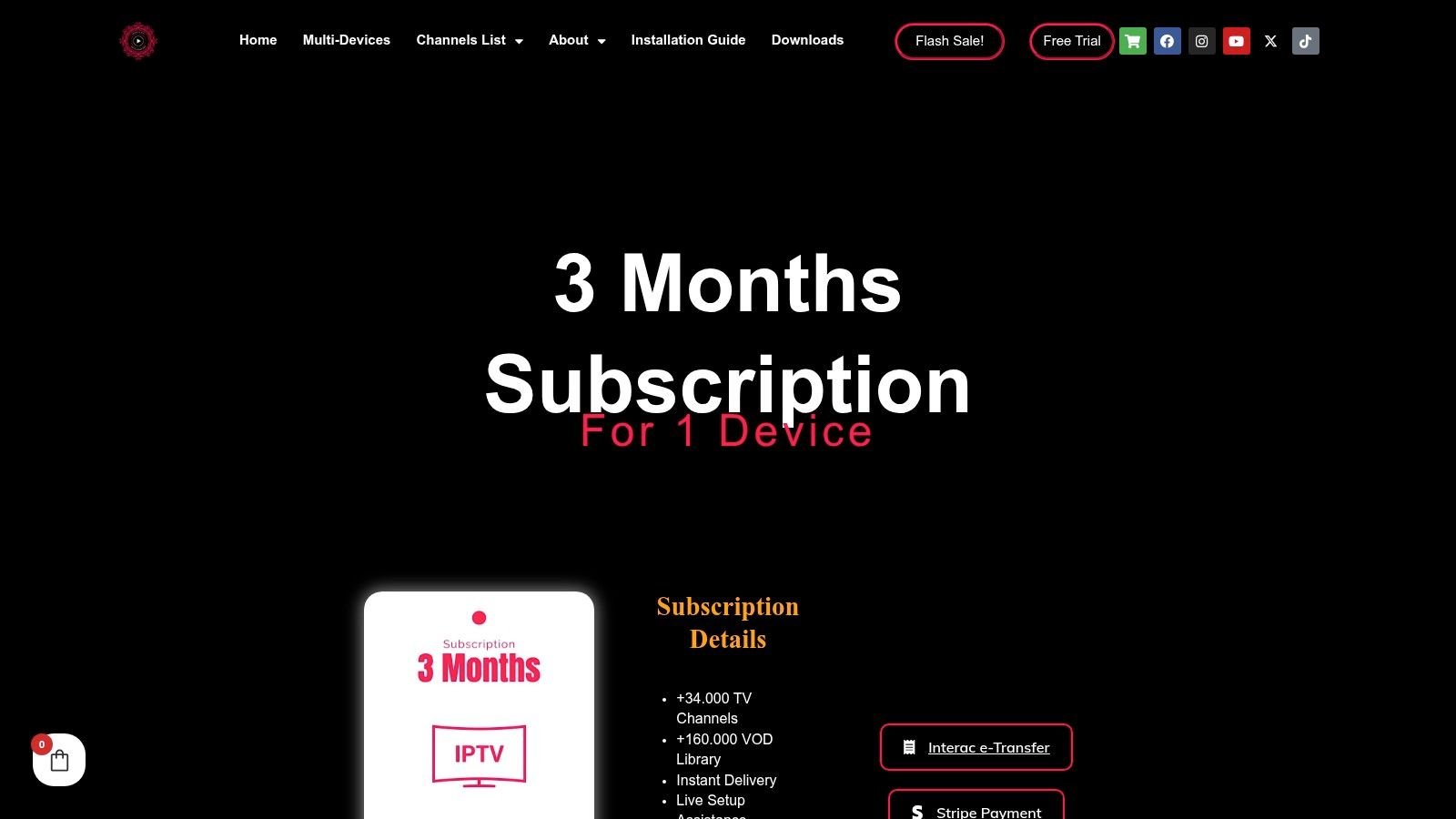
The 3 Months Premium IPTV option makes sense once your first month has proven the basics. Your player loads the playlist, the guide matches what's airing, and channel changes don't leave you staring at a spinner. Now the question shifts from "does it work" to "does it work on the big screen, every night."
Build for the Television, Not the Phone
That TV-first focus reflects how Canadians still watch. Numeris fall 2025 viewing data for Canada found linear television represented 72% of total video viewing among Canadian adults, while streaming accounted for about 20% of viewing on a TV set. In plain terms, the living room screen is still where viewing happens, so your player needs readable EPG text from the couch, clean remote focus, and fast zapping during sports.
A phone interface stretched across a television fails that test. Small text, touch-sized targets in the wrong places, and slow focus movement make browsing painful. On Android TV or Google TV, favour a remote-first player layout, keep your favourites list short, and put sports channels where you can reach them in a few clicks.
Practical rule: If you can't read the guide, switch channels, and find tonight's game without leaning forward, the player layout is wrong for your TV.
Use the three months to settle your favourites, test catch-up content if you use it, and confirm that adaptive quality drops from 4K to HD gracefully instead of freezing. Watching IPTV Canada offers 46,500+ channels and a library of 190,700+ movies and series, so curating your own shortlist matters more than scrolling everything. Nobody browses well at that scale.
The downside is renewal timing. A season plan can expire right before playoffs if you don't track the date. Set a calendar reminder a week early, and you'll avoid the scramble.
3. 6 Months Premium IPTV
Six months is the settled-household term. Your device, your player, and your spot on the couch are decided, and the plan spans a full sports season, so what you want is stability during an 8 p.m. Saturday playoff game rather than another renewal date on the calendar.
This length suits daily streamers who move between live sports and new VOD releases. You can view the six-month subscription details for the plan specifics. What matters is that half a year is long enough for your own network to change underneath you: new devices join the Wi-Fi, viewing habits shift, and evening demand keeps climbing.
Separate App Problems From Network Problems
The CRTC communications market report notes monthly internet consumption has increased by more than 10% annually since 2020, and audiovisual streaming reached 2.83 billion hours in the latest reported quarter, up 13.4% quarter over quarter. A connection that felt roomy in month one can be crowded by month five, so find your bottleneck before blaming hardware.
Match the symptom to the cause:
- Only live sports fail: That points to peak demand on specific events rather than a setup-wide fault.
- Everything buffers at night: Suspect household Wi-Fi, router placement, or ISP congestion before you replace anything.
- One device struggles: Check that box for heat, low storage, and background apps. Cheap boxes throttle when they get hot.
- VOD plays, live doesn't: Try another player with the same credentials. If both fail, the issue sits upstream.
Six months is also long enough to justify switching players mid-term. If yours handles large playlists slowly, the comparison in the guide to top IPTV players for Firestick and Android will help you pick a replacement. A player that loads a big EPG without choking serves you better than one with prettier menus.
We provide 24/7 customer support, locally hosted servers, and buffer-free streaming designed for peak hours during major live sports, so use that support before buying a new box. Often the fix is a wired connection, a 5 GHz network, or a player setting rather than new hardware.
Two weeks before the term ends, run a live-event test: put a prime-time game on every screen you plan to keep and watch how the streams hold. If everything stays smooth, you have your answer on renewing. If one device stumbles, you know exactly what to replace before committing again.
4. 12 Months Premium IPTV
A full year is for committed cord-cutters who've already done their testing. One renewal a year, no automatic recurring payments, and no monthly decision about whether to continue. You can see the one-year plan page for the term details.
The best reason to go annual is continuity. Your favourites, EPG layout, subtitle preferences, and player settings stay put while seasons change around them. That consistency matters in homes where different people use the TV and nobody wants to relearn the interface every few months.
Time-Shifting Habits Shape What You Need
Canadian IPTV households have long valued control over when they watch. CRTC research on Canadian viewing habits found PVR use was reported by 73% of Canadians with an IPTV subscription, compared with 55% among cable subscribers. The same research found 37% of Canadians aged 18 to 34 watched internet content on a smartphone, compared with 7% among those aged 55 and older.
Those gaps should shape your setup. Younger viewers may start a show on a phone and finish on the TV, while older viewers often want one remote, large text, and predictable menus. Whichever Android IPTV player you choose for a year-long term, confirm it remembers playback position, keeps your subtitle and audio choices, and makes series easy to organize. Test font scaling and voice search too, especially if grandparents share the remote.
A year-long subscription doesn't forgive a bad interface. It makes you live with it, so pick the player your least technical household member can run alone.
We offer parental control features, a clean and accurate EPG with categories and search, and an installation guide after checkout, which helps when you add a device mid-year. Watching IPTV Canada supports Smart TVs, Firestick, MAG Box, Formuler, Chromecast, Apple TV, and Roku alongside Android, so a new TV doesn't strand your subscription.
The honest risk is lock-in by habit. A year is a long time if your viewing drops off. Only choose this term after a shorter one has proven your setup works.
5. 2 Devices – 6 Months Premium IPTV
A hockey game on the living-room TV and a series on a bedroom tablet at the same time: that is what two connections buy you. Neither stream kicks the other off, and nobody negotiates over the remote. The two-device six-month plan details cover the connection setup.
Multi-device viewing isn't an edge case in Canada. The 2026 CIRA internet trends survey found 73% of Canadian internet users spend at least one hour per day watching TV, movies, or video online, and 77% use more than one internet-connected device. It also found 67% of Canadian internet users who watch online video at least occasionally seek Canadian content, which makes search and EPG categorization more than cosmetic features.
Manage Two Screens Without Creating a Mess
More devices means more logins, more settings to drift apart, and more chances to expose your credentials. Keep it tidy:
- Use unique credentials: Don't reuse your email password, and never post a playlist URL in a public forum.
- Install from trusted sources: Prefer Google Play or the player's official site, and review app permissions before you sign in.
- Lock every device: A PIN on the TV box and a lock screen on the tablet stop casual account sharing from becoming permanent.
- Test captions per device: Subtitle size that works on a tablet can be unreadable, or enormous, on a TV.
The guidance on using IPTV across multiple devices in Canada walks through connection limits, and it's worth reading before a big game night. Exceeding your connection count mid-match is an avoidable frustration.
This plan fits couples with different tastes, parents sharing with a teen, and anyone who watches on a TV box at home and a phone away from it. WATCHING IPTV is compatible with multi-device use, so the same account follows you between screens.
The one thing to verify before game night is bandwidth. Run a speed test on the wired TV while a tablet streams in another room. Two simultaneous HD or 4K streams will expose weak Wi-Fi faster than one, so wire the main TV if you can.
Watching IPTV Canada Plans at a Glance
Every plan offers a choice of 1 to 5 simultaneous connections, so the key variables are term length and how many screens run at once. Match a row to your situation: short terms suit testing and seasonal viewing, while the two-device option targets households with concurrent streams.
| Plan | Term Length | Device Connections | Best For |
|---|---|---|---|
| 1 Month Premium IPTV | 1 month | 1 to 5 | Testing performance on your device |
| 3 Months Premium IPTV | 3 months | 1 to 5 | Watching a sports season without a long commitment |
| 6 Months Premium IPTV | 6 months | 1 to 5 | Frequent viewers seeking fewer renewals |
| 12 Months Premium IPTV | 12 months | 1 to 5 | Committed cord-cutters seeking year-round access |
| 2 Devices – 6 Months Premium IPTV | 6 months | 2 devices | Households streaming on two screens at once |
Each plan is a fixed-term purchase with no contracts or automatic recurring payments, billed in Canadian dollars with applicable taxes included. A longer term means fewer renewals across the year, so pick the row whose connection count and length fit your screens before you weigh anything else.
Get Streaming on Your Android Device Today
Keep the order simple: trial or one month first, longer term after the device proves itself. Use the first 48 hours like a bench test. Watch one live hockey or football channel during peak evening hours, open the EPG categories and search, zap through channels, start a movie from the VOD library, leave it paused for ten minutes, then check subtitles and remote navigation on the actual couch setup. If two screens will run at once, test that too before paying for extra connections.
A short plan turns slow zapping, unreadable guide text and forgotten subtitle settings into a cheap answer. A long term bought first turns the same annoyances into months of friction.
Watching IPTV Canada supports Smart TVs, Firestick, MAG Box, Formuler, Chromecast, Apple TV, Roku, phones, tablets and laptops. On Android, the key choice is a player that renders the full EPG cleanly on your screen size; the supplied login and installation steps then get you from checkout to streaming. Support can help with device setup, channel access, subscription options and troubleshooting, and the channels list lets you sanity-check line-ups before you commit.
Choose the term that matches your testing results.
Ready to put your Android IPTV player to a real test with live channels, sports, and a large VOD library behind it? Visit Watching IPTV Canada to start with a free trial or short plan, confirm your setup during peak hours, and step up to a longer term only when your device has earned it.
No Responses