
The Saturday hockey game has started, but the living-room Firestick keeps freezing. In the bedroom, someone's still staring at a loading screen. Before buying another subscription or installing another player, separate the problems: the app controls playback, the subscription supplies access, and your connection carries the stream.
Picking the right term and simultaneous device count can prevent a purchasing mistake. It won't repair weak Wi-Fi, an ageing Firestick, or a faulty channel feed.
If you're searching for the best IPTV app for Firestick, the options below need an important distinction: they're subscription plans, not competing player apps. Each suits a different viewing situation, from testing your first screen to keeping separate programmes running across a household. Choose the plan around how you watch, then judge the compatible player on your actual Firestick. A polished interface matters, but reliable evening playback matters more.
Table of Contents
- 1. 1 Month Premium IPTV
- 2. 3 Months Premium IPTV
- 3. 6 Months Premium IPTV
- 4. 12 Months Premium IPTV
- 5. 2 Devices – 6 Months Premium IPTV
- How the five Firestick IPTV options differ by term, device count, and best use
- Matching Your Firestick Setup to How You Actually Watch
1. 1 Month Premium IPTV
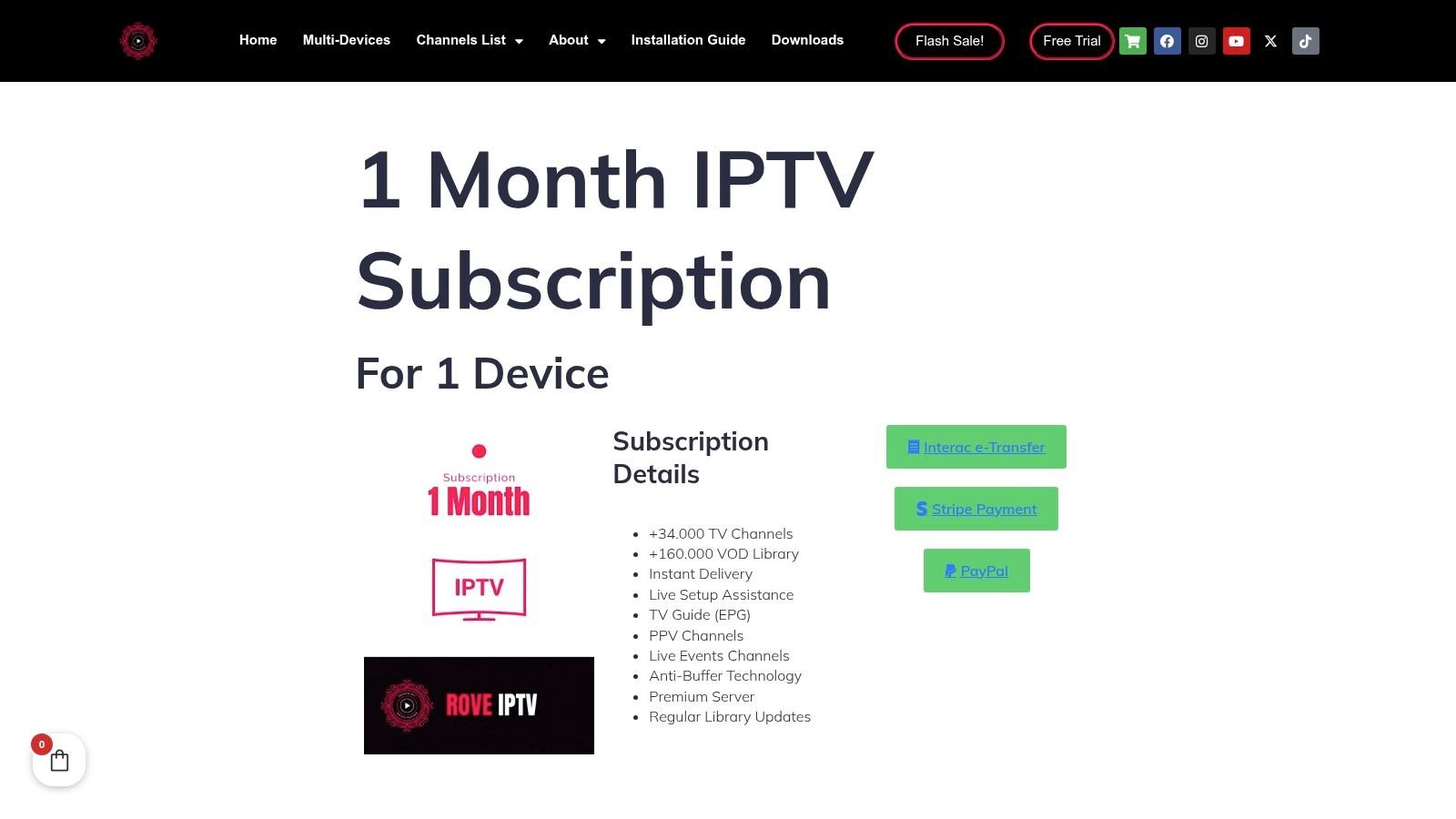
Best fit: a first-time setup on a primary screen. 1 Month Premium IPTV is the short-term option to consider when you haven't established whether your Firestick, player and home network work well together. Its useful distinction is the shorter commitment, not a claim that it delivers better playback than longer plans.
Start with the television you use most. Install a compatible player, load your account and test the channels you intend to watch. Don't spend the whole evaluation scrolling through a large channel list.
Firestick usability deserves that attention. Eighty per cent of Canadians live in a household with a smart TV, according to thinkTV's TV Basics report, making television-friendly navigation a practical requirement rather than an extra.
Test the remote before the subscription term
A player can look tidy in screenshots yet feel awkward with directional buttons. Open its programme guide, move between categories and return to the channel that was playing. Check whether pressing Back closes a menu or unexpectedly exits playback.
Our EPG includes categories and search, but the player still determines how you interact with those features. Subtitle selection, audio tracks and favourites should be easy to reach without repeated trips through settings.
- Installation: Use the exact player and installation instructions intended for your Fire TV model. Avoid unrelated download sites and similarly named apps.
- Everyday navigation: Find a favourite channel, search the guide and resume an on-demand title.
- Playback settings: Check whether the player offers hardware decoding and sensible quality controls.
- Separate charges: Distinguish any player activation or premium licence from your television subscription.
What the shorter option cannot solve
A short subscription doesn't guarantee that an unsupported app will install. It also won't make an older device decode demanding video smoothly or give a weak wireless signal more capacity.
Practical rule: Test the setup you'll keep using, not a phone beside the router while the Firestick sits behind a distant television.
Use our trial information page to review the evaluation route before purchasing. I'd choose a shorter term while compatibility remains uncertain, then consider a longer commitment only after ordinary evening viewing feels dependable.
2. 3 Months Premium IPTV
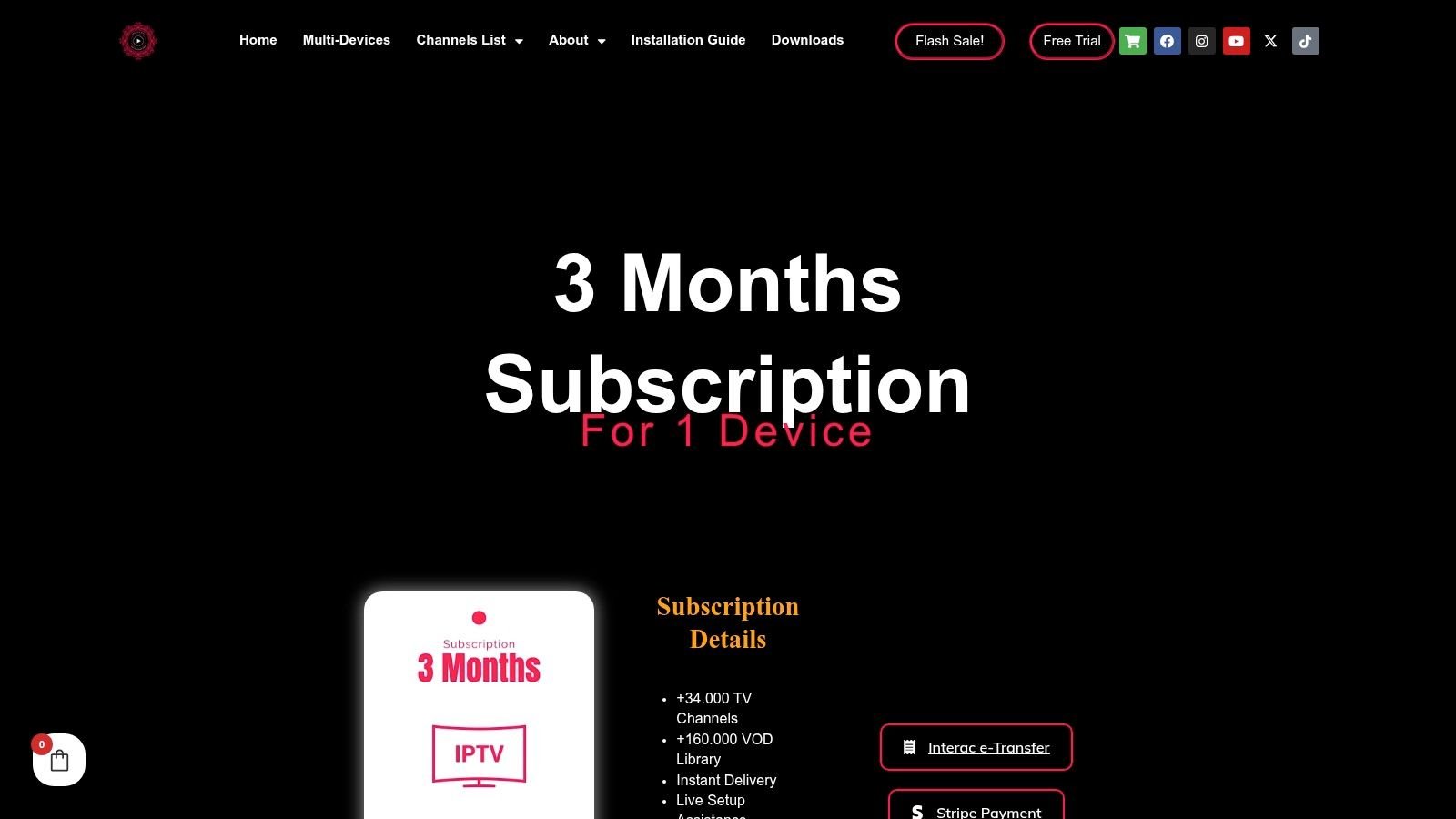
A successful opening night doesn't tell you how a setup behaves across your normal routine. 3 Months Premium IPTV suits someone who has confirmed basic compatibility but isn't ready to make a longer-term decision. Think of it as a practical middle ground for regular viewing, not an automatic upgrade in stream quality.
The useful test is consistency. Watch during your usual evening hours, when other people are using the connection. Compare live television with on-demand playback, because they can reveal different problems.
In a 2025 survey of 2,367 Canadians, 60% were satisfied with online video-streaming content quality, according to the CRTC survey report. For your purchase, satisfaction needs a concrete definition: acceptable picture quality, predictable channel changes and playback that recovers from brief interruptions.
Judge the player by recovery
A player that starts quickly but stays frozen after a connection hiccup isn't a good everyday choice. Test what happens when you switch away from a channel and return. Notice whether the app reconnects, displays an understandable error or leaves you staring at an endless spinner.
Our service offers adaptive picture quality to fit the connection. The compatible player must still handle the supplied stream properly, and adaptive delivery can't repair a disconnected network or an unavailable source.
Keep a simple note of the channel, time, player and symptom when something fails. Those details are more useful for troubleshooting than saying that everything buffers.
- Only one channel fails: Compare another channel before changing your home network.
- Only one player fails: Try the same authorised stream in another compatible player, without exceeding your connection allowance.
- Every streaming app struggles: Check the Firestick's connection and test another device in the same room.
- The app crashes or menus lag: Inspect storage, remove unused apps and restart the device.
Choose flexibility over assumed savings
Without a confirmed price comparison, don't assume a particular term has a lower monthly cost. Compare the actual checkout total and the commitment you're comfortable making.
This option fits a viewer whose setup works but whose habits are still changing. It doesn't add simultaneous connections merely because the subscription lasts longer. Choose the connection allowance separately, especially if another household member will stream while you're watching.
3. 6 Months Premium IPTV
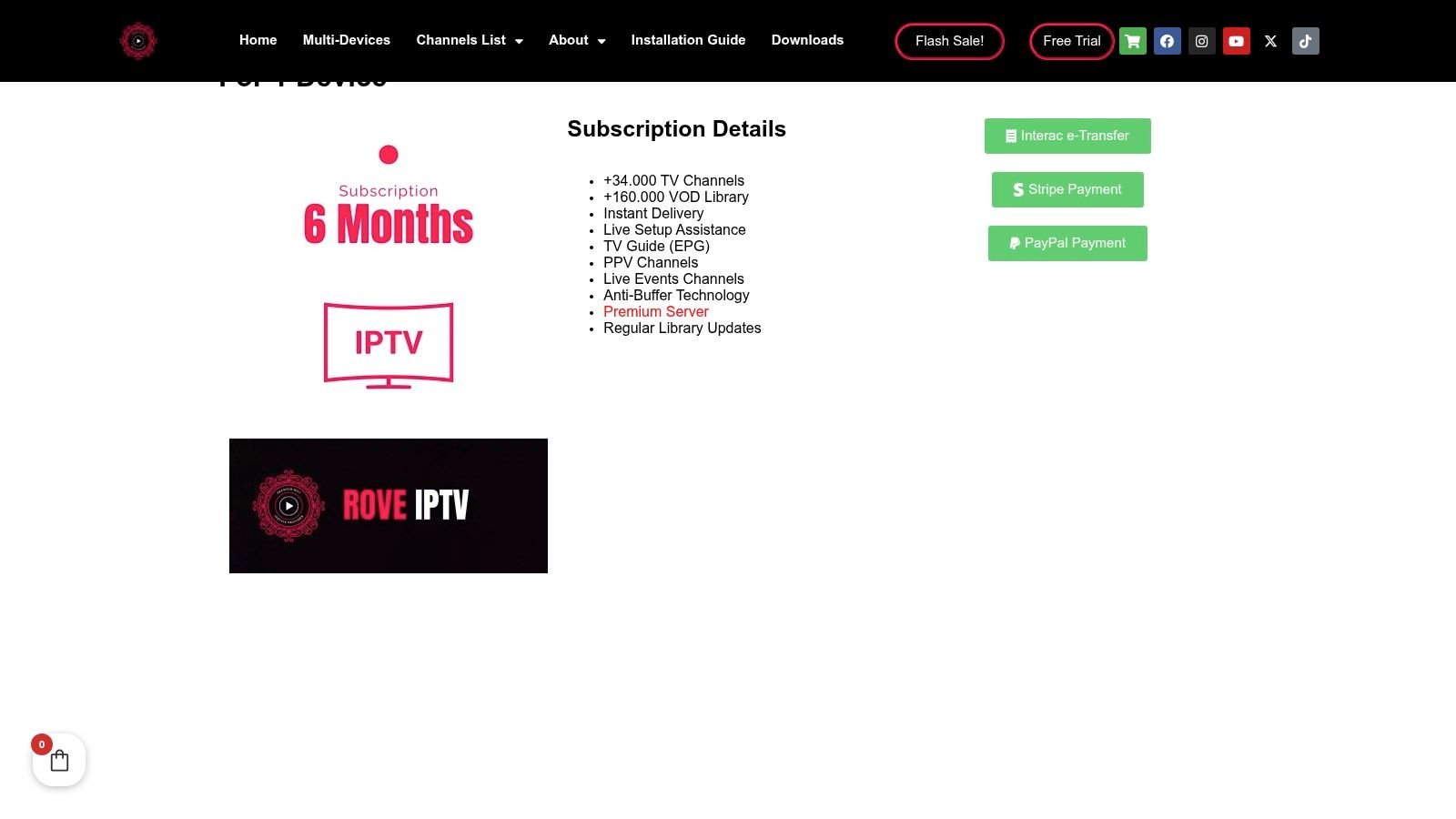
For a long stretch of sports viewing, peak-time performance matters more than menu polish. The six-month subscription option makes sense after you've tested the channels and playback conditions you'll rely on. Match its dates to your intended viewing period rather than assuming the term covers an entire competition schedule.
Say you mainly watch hockey in the evening. A quiet afternoon test tells you whether the account works, but it doesn't establish how the source and your home connection behave during a busy game. Test at the times you watch before committing.
The scale of streaming demand makes that distinction useful. The CRTC's policy monitoring figures reported 2.83 billion hours of audiovisual streaming and a 13.4% quarterly increase. Those aggregate figures don't diagnose your connection, but they reinforce why an off-peak demonstration isn't enough.
Build a usable sports setup
Put your regular sports channels into favourites and confirm the programme guide displays the expected schedule. Our service includes hockey, football and MMA coverage, alongside an EPG with categories and search. Verify the specific programming you want rather than treating a broad sports category as a guarantee of every event.
During playback, inspect motion and audio synchronisation. A sharp still image doesn't tell you whether the puck remains clear during a fast camera pan. If your player exposes playback statistics, use them to distinguish a resolution change from repeated stalls.
A 4K label describes a capability. It doesn't establish the resolution of the channel feed or prove that your Firestick can sustain it.
Diagnose before changing settings
Use a compatible Ethernet adapter where practical. Otherwise, try a strong nearby 5 GHz connection and avoid trapping the Firestick behind objects that weaken reception.
If playback stalls, compare another channel and another streaming app before increasing buffer settings. A larger buffer can delay playback and won't repair an overloaded source. Change one setting at a time so you can tell whether it helped.
The trade-off is commitment. A longer term can suit established viewing habits, but it doesn't improve old hardware or reserve extra bandwidth. I'd choose this option only after the Firestick has handled busy evenings without recurring faults, and after confirming the service's content rights and purchase terms.
4. 12 Months Premium IPTV
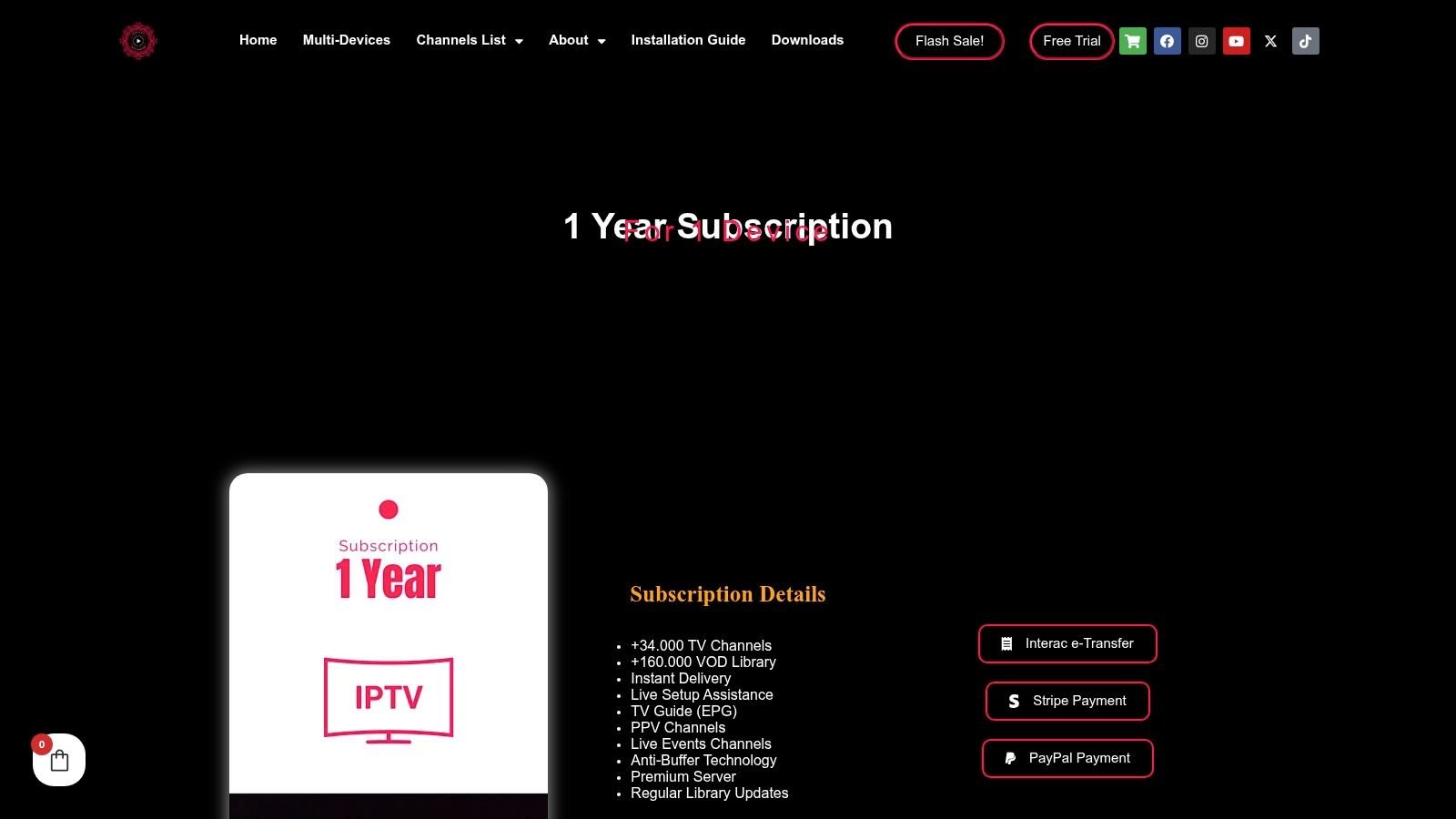
Choose a longer term because your setup is established, not because you hope more commitment will make it reliable. The annual subscription option best fits a household with predictable viewing habits and a Firestick that already runs its chosen player comfortably.
The most important comparison here isn't between guide layouts. It's between the confidence you have today and the uncertainty you're accepting over the subscription period. Check content availability, payment terms, refund conditions and the device allowance before purchasing.
A player and a content service are separate products. IPTV technology isn't unlawful, but unauthorised channel redistribution can infringe copyright, and Canadian blocking measures can interrupt access to unauthorised services, as discussed in the CRTC's broadcasting market report. A well-designed Firestick interface doesn't establish that a supplier has distribution rights.
Give continuity more weight than channel count
Before a longer commitment, establish where the content comes from and whether the supplier is authorised to provide it. A large catalogue, an attractive guide or a working trial doesn't answer that question. Don't infer licensing from technical compatibility.
Our service supports Firestick and other consumer devices, but device support and content authorisation are different considerations. Keep your order details and the applicable purchase terms accessible.
- Content fit: Confirm your regular channels and language options rather than judging the total catalogue.
- Hardware fit: Check that menus, guide loading and extended playback remain responsive on your Firestick.
- Account fit: Select the simultaneous connection allowance your household needs.
- Support fit: Keep the player name, Fire TV model and account details available when requesting help.
Avoid locking in a failing device
If the Firestick frequently crashes, address that before choosing a longer subscription. Free storage, remove apps you don't use and install supported updates. If the device still struggles, compare playback on a newer compatible device before blaming every fault on the provider.
For a household planning broader simultaneous use, our annual multi-device option is a separate configuration worth reviewing. Don't buy extra connections because several devices are registered; count the streams that will run together.
The limitation is reduced flexibility. An annual term suits a settled setup, but it can't guarantee future channel continuity, eliminate network faults or extend the useful life of the stick.
5. 2 Devices – 6 Months Premium IPTV
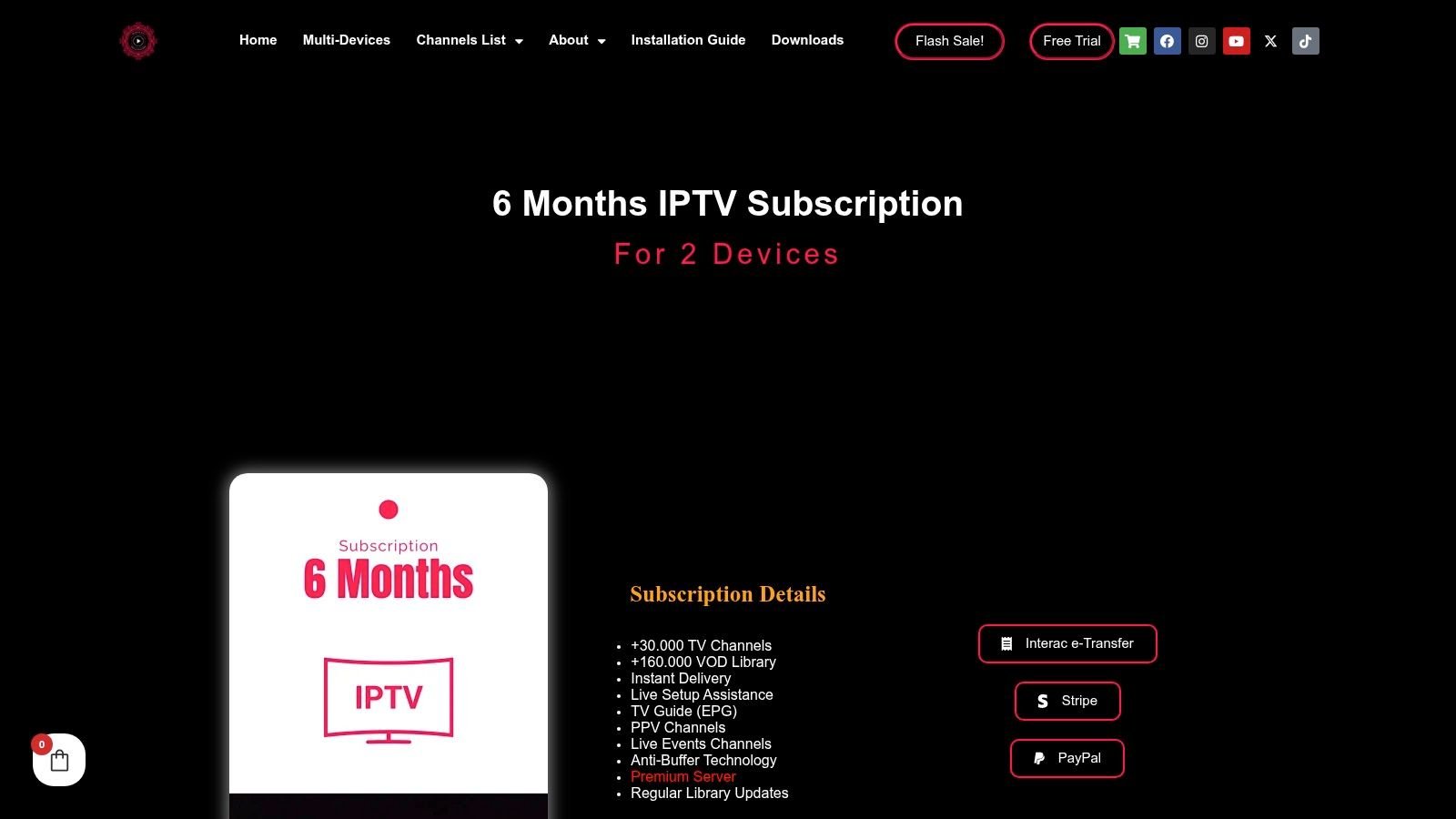
The living-room television shows hockey while someone in the bedroom watches a film. That's a simultaneous-viewing requirement, not just a request to install the same app in different rooms. The dual-device six-month option fits that household pattern better than choosing a term without considering concurrent use.
Registered devices and active streams aren't interchangeable. You might install a player on several compatible devices yet only watch on one at a time. Conversely, separate viewers need the appropriate connection allowance even when they share the same internet connection.
Television screens remain central to Canadian viewing. Connected televisions accounted for 79% of video-viewing time among Canadians aged two and older in 2025, according to Numeris's Fall Video Overview. For a household using separate televisions, test each room rather than assuming that identical account details produce identical results.
Test the household, not just each stick
Begin playback on the living-room device, then start a different programme in the bedroom. Leave both running while the household uses the internet normally. Check whether either stream drops when someone changes channels or opens an on-demand title.
Our service supports multi-device use, and our Canadian multi-device guide explains that setup context. Keep the player configuration consistent where practical, but don't force the same player onto incompatible hardware.
Household test: If each screen works alone but playback deteriorates when both are active, investigate shared bandwidth and Wi-Fi before replacing the apps.
Separate connection limits from reception problems
A connection-limit message calls for an account check. Repeated buffering in a distant bedroom calls for a network comparison. A crash on an older Firestick calls for a device and player check.
- Check active sessions: Stop playback on unused devices instead of assuming that leaving the television input closes the stream.
- Compare room reception: Test the affected Firestick closer to the router if possible.
- Reduce competing demand: Pause large downloads while diagnosing simultaneous playback.
- Keep useful details: Note whether the failure affects one room, one channel or every active stream.
The trade-off is straightforward: additional permitted streams don't add home-network capacity. This option suits viewers who regularly watch separately, but it won't improve a weak bedroom signal or make an overloaded Firestick responsive.
How the five Firestick IPTV options differ by term, device count, and best use
| Item | Subscription Term | Device Connections | Best For |
|---|---|---|---|
| 1 Month Premium IPTV | 1 month | Not specified | Short-term use |
| 3 Months Premium IPTV | 3 months | Not specified | Medium-term use |
| 6 Months Premium IPTV | 6 months | Not specified | Longer-term use |
| 12 Months Premium IPTV | 12 months | Not specified | Year-long use |
| 2 Devices – 6 Months Premium IPTV | 6 months | 2 devices | Multi-device use |
Matching Your Firestick Setup to How You Actually Watch
Start by counting the screens that will stream at the same time and deciding how long you expect to subscribe. Choose the connection allowance and the term separately. A longer subscription isn't a substitute for concurrent access, and extra connections aren't useful if everyone watches together.
Test the service on your own Firestick during a busy evening before committing to a longer term. Use your regular channels, open the guide and check audio, subtitles and on-demand playback. Keep your internet connection, wireless reception and available device storage in mind throughout the test.
The best IPTV app for Firestick is the compatible player you can navigate comfortably and trust during ordinary viewing, paired with an authorised, dependable content source.
For an unproven setup, favour a shorter commitment. For regular sports viewing, prioritise peak-time playback and clear fault diagnosis. For a settled household, a longer term becomes more reasonable once the device, service and connection have demonstrated a good fit.
If the problem follows the room rather than the channel, investigate Wi-Fi coverage. These seven mesh WiFi picks reviewed can help you compare equipment, but test router placement and a wired connection before buying another system. Mesh won't repair an unavailable channel feed or a failing player.
Don't pay for a plan to solve a problem it can't control. Establish the source of freezing, confirm content authorisation and purchase terms, then select the shortest or longest commitment that matches your actual needs.
Watching IPTV Canada offers fixed-term IPTV subscriptions, multi-device options and Firestick-compatible access to live television and on-demand entertainment. Visit Watching IPTV Canada to compare terms and connection allowances, then test your preferred channels on your own Firestick before choosing a longer plan.
No Responses